Main
Keep the script beside the built-in MacBook camera for calls and recordings.
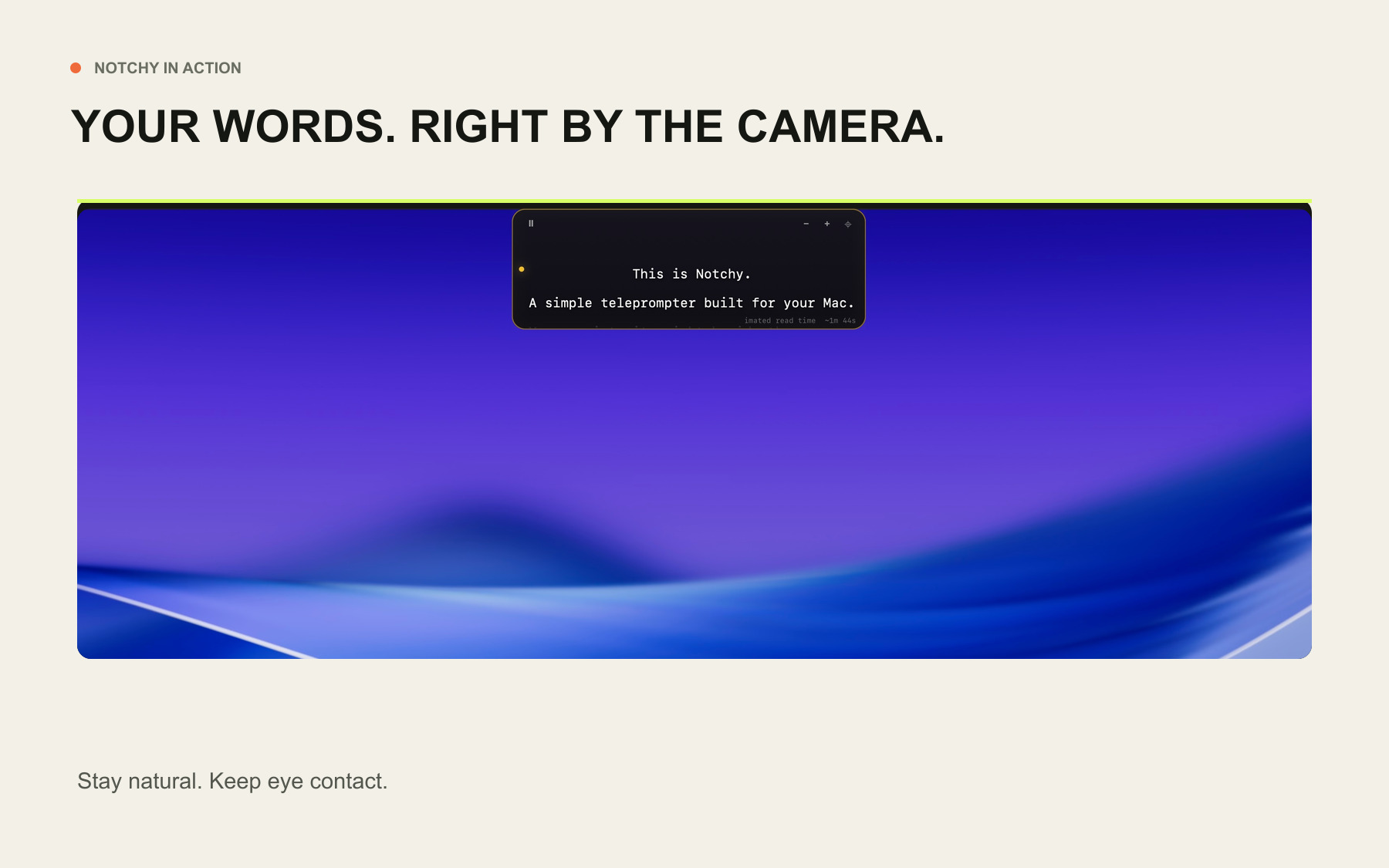
Notchy places your script in a discreet strip beside your MacBook camera, so you can speak naturally without losing your place—or your eye contact.
Free to download · macOS 13 or later · Main, external and floating modes
No account. No cloud. Your script and microphone audio stay on your Mac.
Notchy is a small, focused Mac utility for calls, recordings and presentations. No studio rig. No browser tab. No subscription.
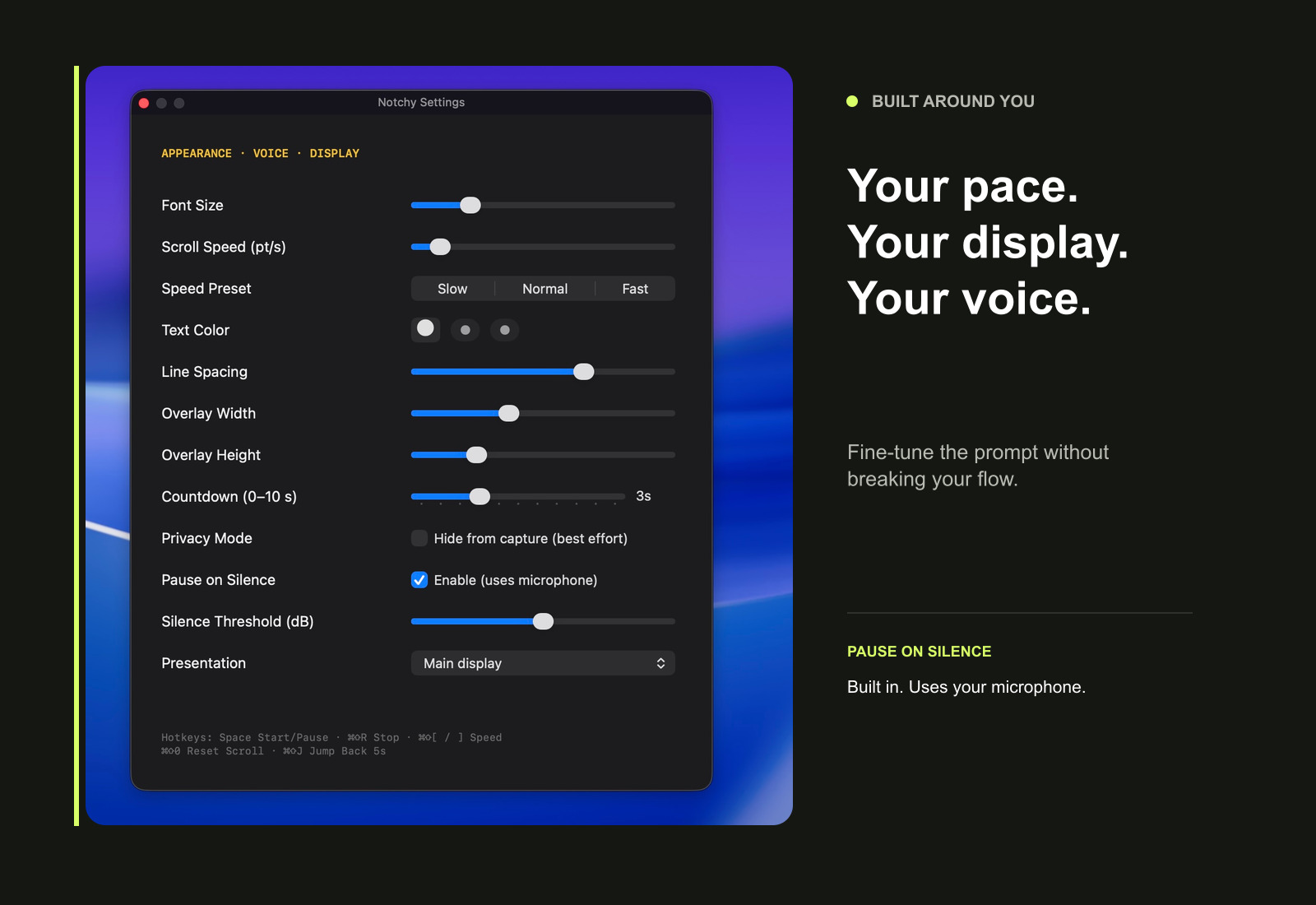
Paste your script, choose a pace and keep your attention where it matters. The prompt remains close to the camera without taking over the screen.
THREE PLACEMENT MODES
Use the MacBook camera position for everyday calls, move to an external display for a desk setup, or keep a floating prompt above the app you are presenting.
Keep the script beside the built-in MacBook camera for calls and recordings.
Place the prompt on a connected display when your camera sits above a second screen.
Use a movable, always-on-top prompt while switching between apps or sharing your screen.
READY FOR YOUR NEXT CALL?
macOS 13 or later · No account required
HOW IT WORKS
Drop in the script, notes or opening you want close at hand.
Adjust the strip’s width, height and position to suit your screen.
Choose Slow, Normal or Fast, then fine-tune the scroll speed.
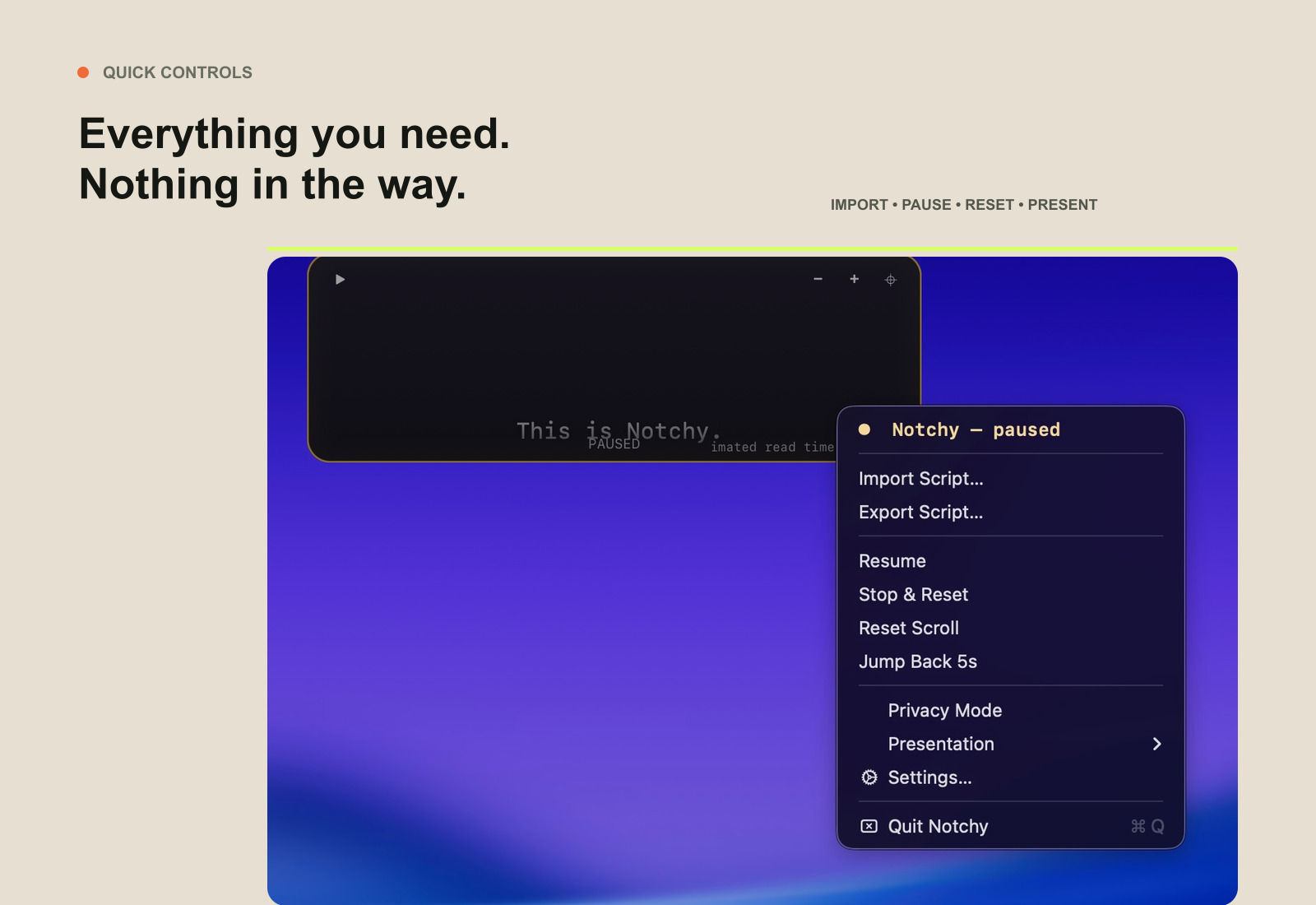
Pause from the overlay and keep your attention near the camera.
Your scripts, settings and microphone audio stay on your device. Notchy has no account, cloud sync or behavioural tracking.
COMPARE THE ESSENTIALS
Notchy keeps the core prompting tools close to your camera, without turning them into another subscription or content suite.
Competitor features and US pricing checked 9 August 2026 from the official Moody and CueNotch websites. Local pricing may vary.
Notchy is free. The download, every feature and future access are the same whether you contribute or not.
If it earns a place in your working day, you can make a one-off contribution towards its continued development.
Suggested one-off contributions
One-off and entirely optional. Secure checkout and email receipt provided by Stripe. Payment does not unlock or purchase the app.
Nothing. Notchy is free to download and use. A contribution is optional and does not change access or features.
Notchy is designed for macOS 13 or later. The first release is distributed directly rather than through the Mac App Store.
The first release may not be notarised or App Store signed. Follow the installation note supplied with the download; never bypass a warning for a file you did not get from this site.
No. Voice-pause responds to speech and silence; it is not speech-recognition or word-by-word script following.
Stripe emails a receipt after a successful contribution. Check spam first, then contact us if it has not arrived.
This website does not require an account and is designed without behavioural analytics. If you make a contribution, Stripe processes the payment and the information needed to complete it. We receive transaction details and the contact information Stripe makes available for receipts, refunds, fraud prevention and accounting. We keep business records where legally required and do not sell personal information.
Notchy itself keeps scripts and settings locally on your Mac. Contact info@nibana.life for a copy, correction or deletion request, subject to records we must retain by law.
Notchy is provided free of charge, as available, for lawful personal or business use. You remain responsible for your scripts, recordings and how you use the app. To the fullest extent permitted by law, the software comes without warranties and we are not liable for indirect or consequential loss. Nothing in these terms excludes rights or liability that cannot legally be excluded.
You may stop using and delete Notchy at any time. These terms are governed by the laws of England and Wales.
Contributions are voluntary one-off payments supporting development. They are not charitable donations, do not buy the software, and do not unlock access, features or services. If you contributed by mistake or change your mind, email info@nibana.life within 14 days with the checkout email. Approved refunds return to the original payment method; payment-processing times are outside our control.